
Search Gallatin Divorce Records
Gallatin Divorce Records are handled by Sumner County because Gallatin is the county seat. That keeps the search path local even though the city page is the starting point. If you need the divorce decree, the Sumner County Circuit Court is the office that matters most. If you need a certificate or older historical material, Tennessee state offices and the county archive trail can help. This page keeps the focus on the county office first so a Gallatin Divorce Records search does not drift away from the real custodian of the record.
Gallatin Quick Facts
Gallatin Divorce Records Offices
The Sumner County Circuit Court handles divorce proceedings for Gallatin and the rest of the county. The court is the main place to ask for the case file and certified copy. The official court page at tncourts.gov is the best starting point because it names the county court that keeps the record. For a Gallatin Divorce Records search, that is the office that matters first.
The Gallatin city government page helps with local government context, but it does not hold the divorce file. Use gallatin-tn.gov to understand the city side, then move to the county court for the actual record. The Sumner County Clerk page at sumnercountytn.gov is useful for marriage licenses and county administrative work, which can help when you need the marriage paper trail before the divorce request.
Historical Gallatin Divorce Records can also be found through the Tennessee State Library and Archives. The Sumner County history page at sos.tn.gov explains the county's historical records background and is useful when the file is old enough to leave the current clerk window. That matters for genealogy and older court research.
Use the county court page first because it points you to the office that actually holds the file.
The Tennessee Vital Records help center at vitalrecords.tn.gov is the source behind the state help image below.
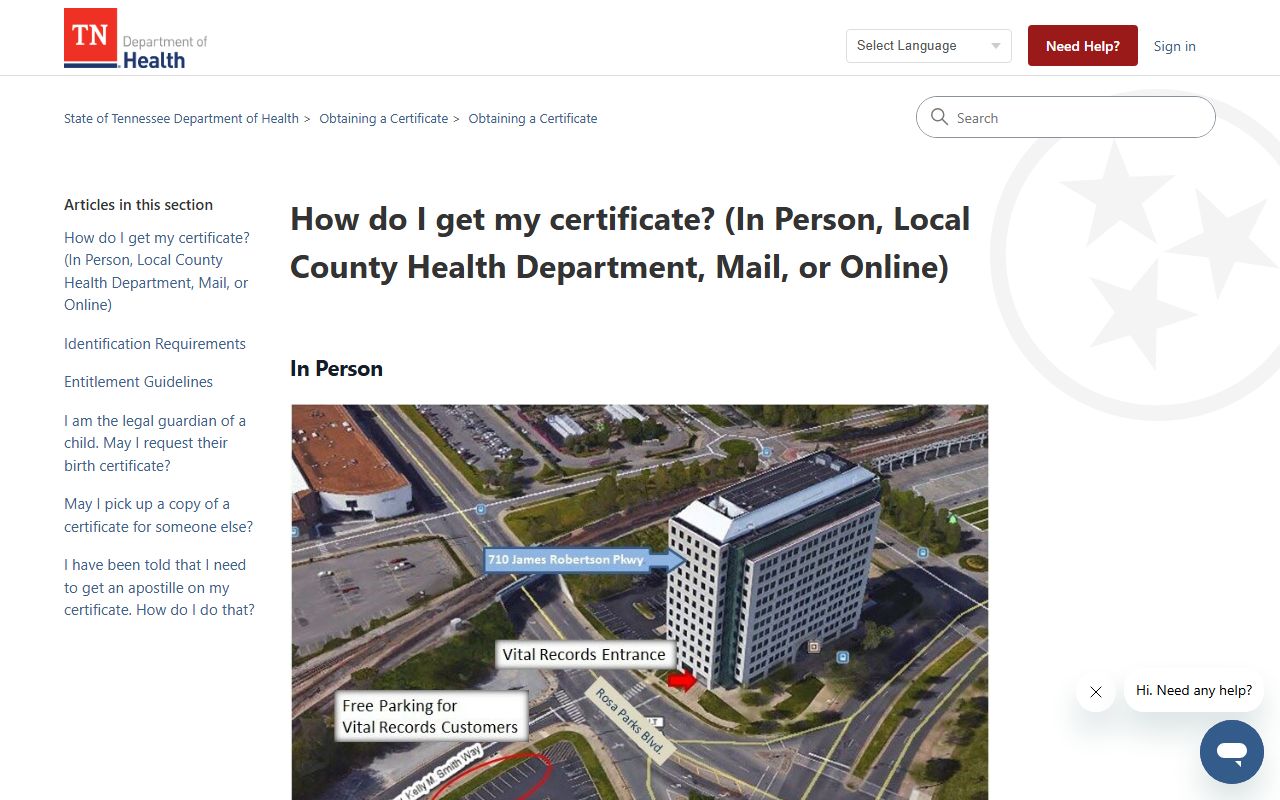
The state help center is useful as a backup, but the county court still holds the main Gallatin Divorce Records file.
Note: Gallatin is the county seat, so the county path is straightforward even though the city page is the entry point.
Search Gallatin Divorce Records
A Gallatin Divorce Records search usually begins with the county seat and the names of the spouses. If you know the filing year and the county, the circuit court clerk can narrow the search quickly. If you have a case number, that helps even more. Because Gallatin is the county seat, the local search path is cleaner than in a split city. You start with Sumner County and stay there unless the file has moved into an archive.
The Tennessee court system gives the statewide court framework, but the county court still controls the divorce file. That is important when you want to confirm whether a case is active, archived, or ready for copy. A clear city name does not replace the county name. The county is what matters for Gallatin Divorce Records.
Keep the request details ready.
- Full name of one spouse
- Approximate filing year
- Sumner County as the filing county
- Case number if known
If the case is old, the clerk may send you toward archive material instead of a live counter pull. That is normal. Gallatin Divorce Records can still be found when the search is specific and the county name is correct.
Use the county clerk page when you need the marriage-side context or a local county contact. The filing rule explains why county records and state records both exist for Gallatin Divorce Records.
Note: A county hit is still not the same as a certified copy, so ask for the document you actually need.
Gallatin Divorce Records Access
Gallatin Divorce Records are generally public, but the public view may be thinner than the certified file. Tennessee's access rule gives the public a right to inspect government records, while privacy limits can still remove or hide some details. That is why a docket search can look different from a certified decree. The public view may show the case. The clerk copy shows the record.
The filing rule explains why divorce records also reach Tennessee Vital Records. The court clerk forwards the record to the state office. That creates a second path for a Gallatin Divorce Records request. Use the county court if you need the decree. Use the state office if you need the certificate. The difference sounds small, but it changes what you can prove with the document.
For a certificate request, the state help center explains the in-person, mail, and online routes. That is useful when you do not need the whole court packet and just want proof that the divorce happened. If you do need the packet, stay with the county clerk. That is the better path for terms, orders, and other details that do not show up on a short certificate.
The Tennessee Secretary of State guide is a useful backup for older Gallatin Divorce Records. That state page is useful when the file is old enough to move beyond a quick courthouse lookup.
Note: The state certificate and the county decree are different records, even when they come from the same divorce case.
Historical Gallatin Divorce Records
Historical Gallatin Divorce Records are often tied to Sumner County court history and the Tennessee State Library and Archives. The Sumner County history page shows that the county has a long record trail, which means older divorce files may have shifted into historical storage. If a clerk search does not reach back far enough, the archive route is the logical next move. That is especially true for genealogy work or a long family history search.
The archive route can tell you whether the file lives in a microfilm set, a bound volume, or a record index. That information is more useful than it sounds, because it tells you where to go next. Gallatin Divorce Records that are older than the active office window are usually best handled through a historical search first and a copy request second.
The Tennessee archives page is the strongest backup for older Gallatin Divorce Records.
The Tennessee State Library and Archives guide at sos.tn.gov is the source behind the historical image below.
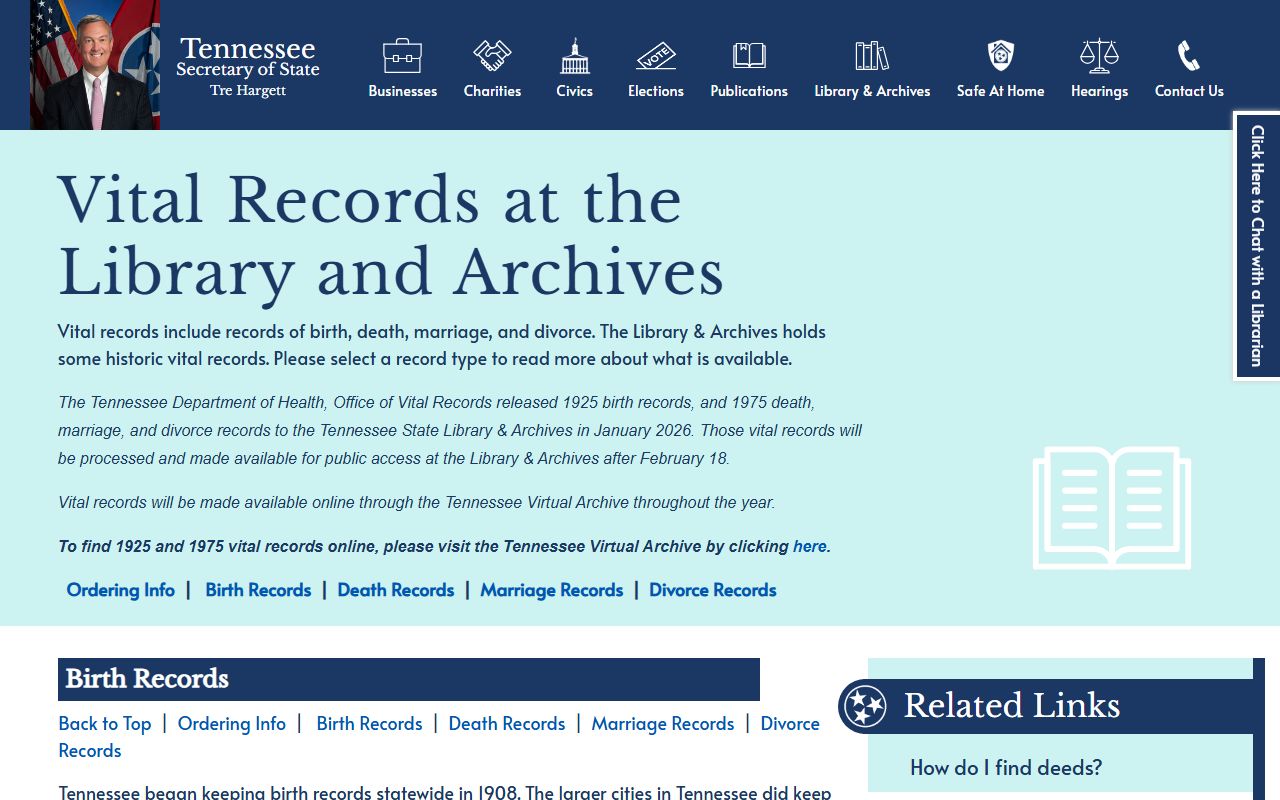
Use it when the case is old enough that a current clerk search does not tell the whole story.
Request Gallatin Divorce Records
To request Gallatin Divorce Records, start with the Sumner County Circuit Court Clerk. That office keeps the divorce file and can usually tell you if the record is active, archived, or ready for copy. If you only need the shorter certificate, Tennessee Vital Records is the better stop. The state help center explains the ordering methods, and the authorized vendor handles card-based online orders.
The right request depends on your use. If you need the decree for a legal matter, the county clerk is the right office. If you only need proof that the divorce happened, the state certificate is often enough. Gallatin Divorce Records are easier to request once you decide which version you actually need. That keeps the clerk from having to guess and keeps your request from landing in the wrong office.
Write the request with the basics.
- Names of the spouses
- Approximate filing year
- Sumner County as the filing county
- Decree or certificate request
A narrow request is always better than a broad one. Gallatin Divorce Records are easiest to find when the county seat and the record type are both clear from the start.
Use the official vendor page only after you know the certificate will do the job. That page is the state certificate route, not the full county court file.
Sumner County Divorce Records
Gallatin sits in the middle of Sumner County records work, so the county view is worth keeping in mind. The circuit court handles the divorce case, the county clerk handles the marriage-side context, and the archives help when the file turns historical. That makes Gallatin a good example of how city and county records interact in Tennessee. The city page starts the search, but the county office closes it.
When you use the county seat correctly, Gallatin Divorce Records become much easier to handle. You know which office to call, which office to visit, and which office is holding the certified copy. That simple county-first approach saves time and keeps the search from wandering into unrelated offices.